 Calyx
CalyxRun more coding agents without babysitting more terminals.
Calyx is a native macOS terminal for running Claude Code, Codex, OpenCode, Hermes, Grok, and pi side by side. Live status for every agent, one panel for the prompts they raise, sessions that survive a quit, and diff review that goes back to the pane that wrote the code.
v0.41.0 · 17.3 MBSee which agent needs you
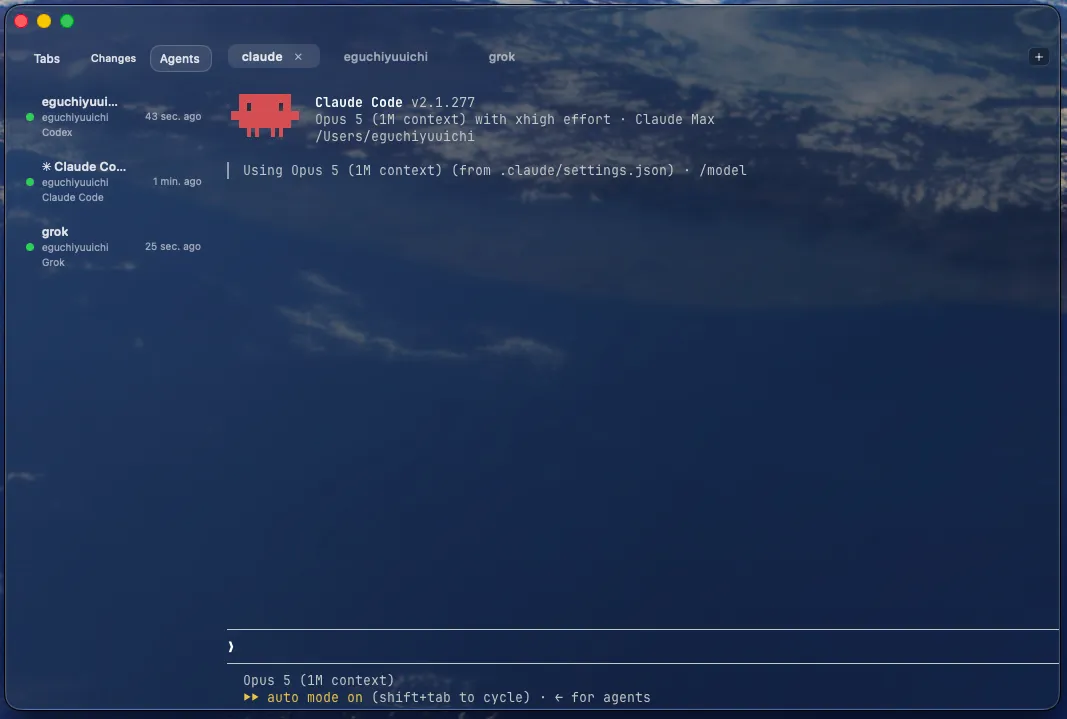
The Agents Sidebar lists every connected agent as working, blocked, idle, or done, with the pane’s own title, working directory, and CLI. Unread badges mark the panes that spoke while you were elsewhere, and a click focuses the pane.
Answer permission prompts in one place
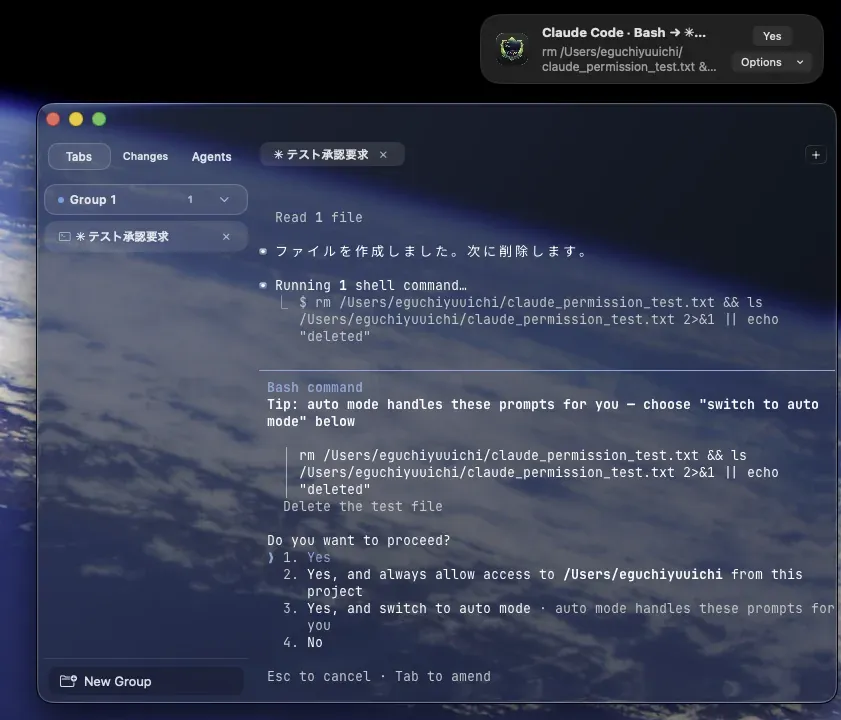
Claude Code and Codex permission prompts, the tool calls of always-approve Grok sessions, and every pi tool call arrive in a notification-style panel: a primary action, plus an Options menu carrying every other choice the CLI offers. Turn the integration on in Settings. Even then, auto-approval is a separate opt-in, so nothing is approved for you until you ask for it.
Follow the work an agent delegates
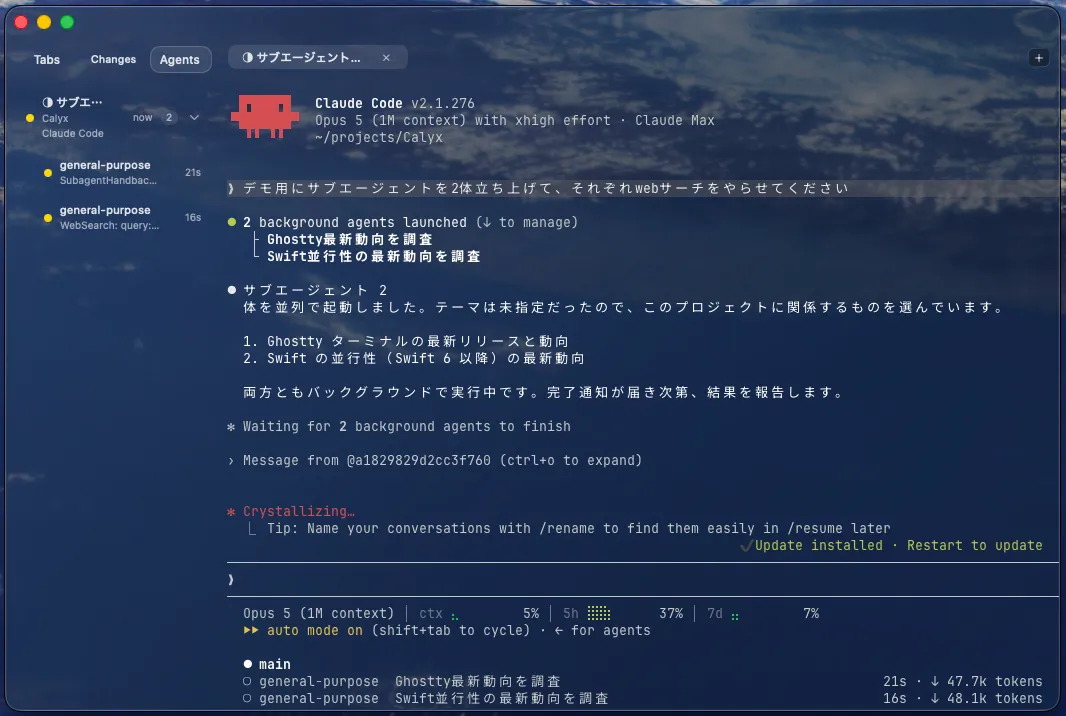
A pane running subagents gains a count badge and expands into indented child rows, for the CLIs that report them. Each child shows its state, and the tool it is working on with the command, path, or URL where its CLI reports one.
Review the diff without leaving the terminal
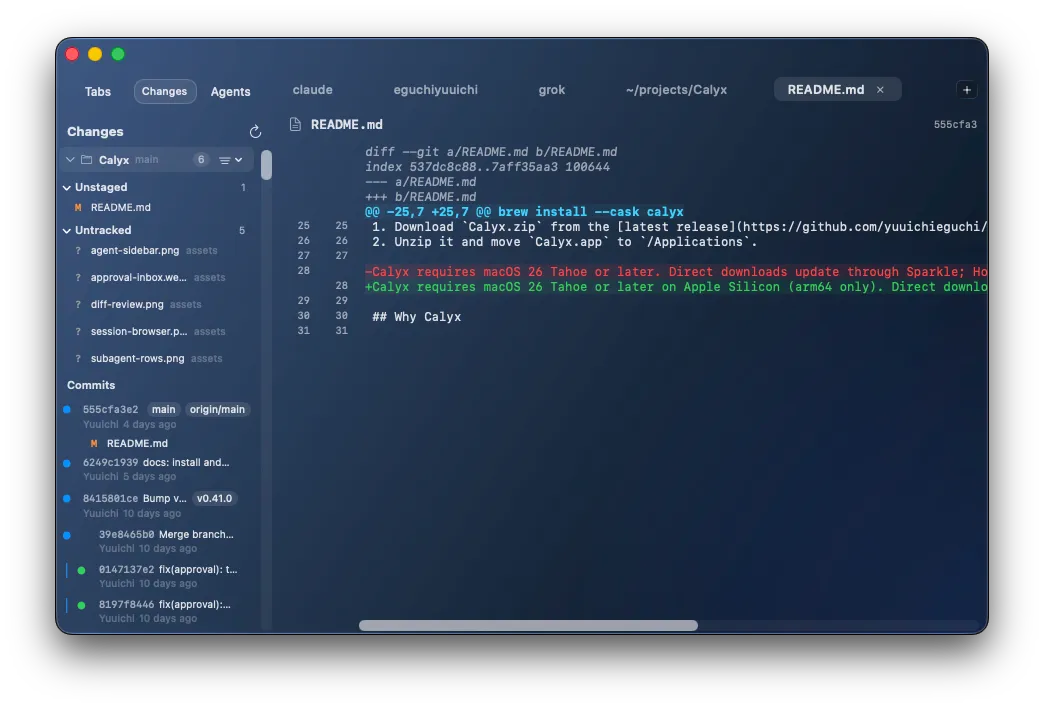
Working changes, staging state, and commit history sit in the Git sidebar, one section per repository the window can reach. Comment on individual diff lines and submit the whole review to an agent pane.
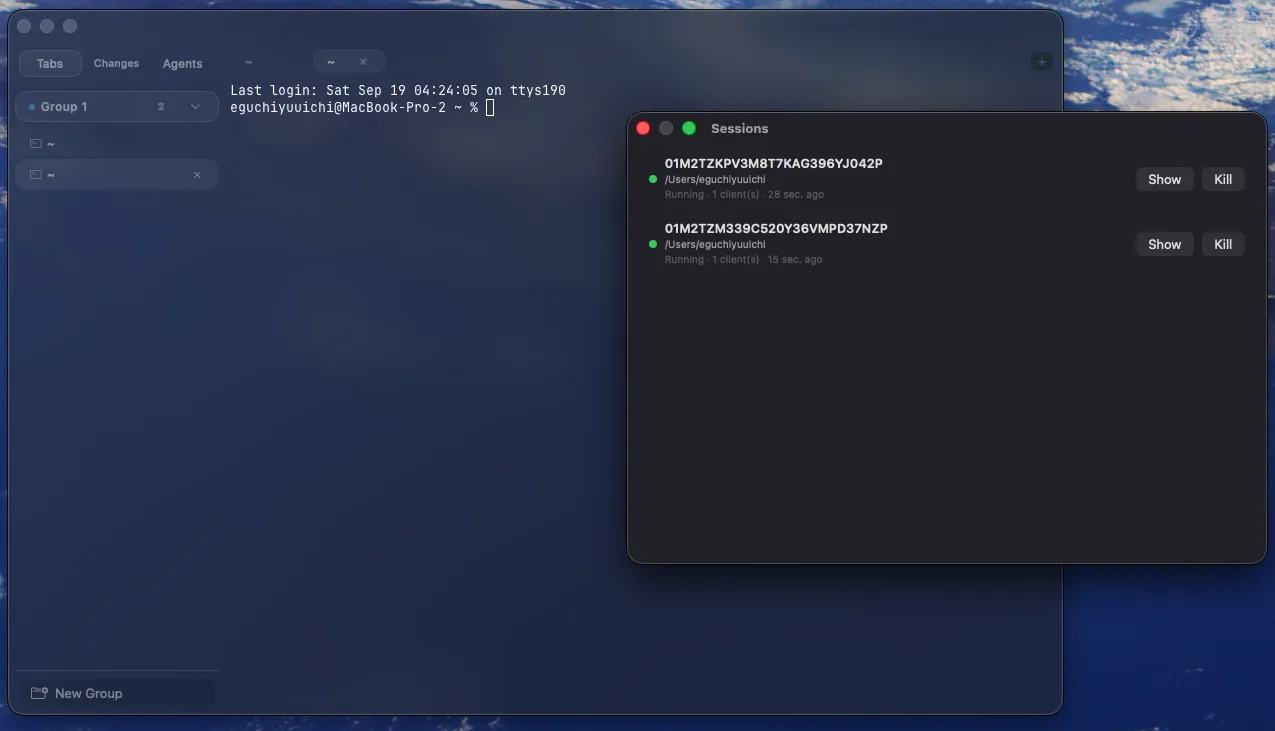
Sessions that outlive the app
Opt-in daemon-backed terminals survive quit and crashes. The Session Browser lists what is still running so you can reattach, including sessions on an SSH host you deployed calyx-session to.
A terminal first
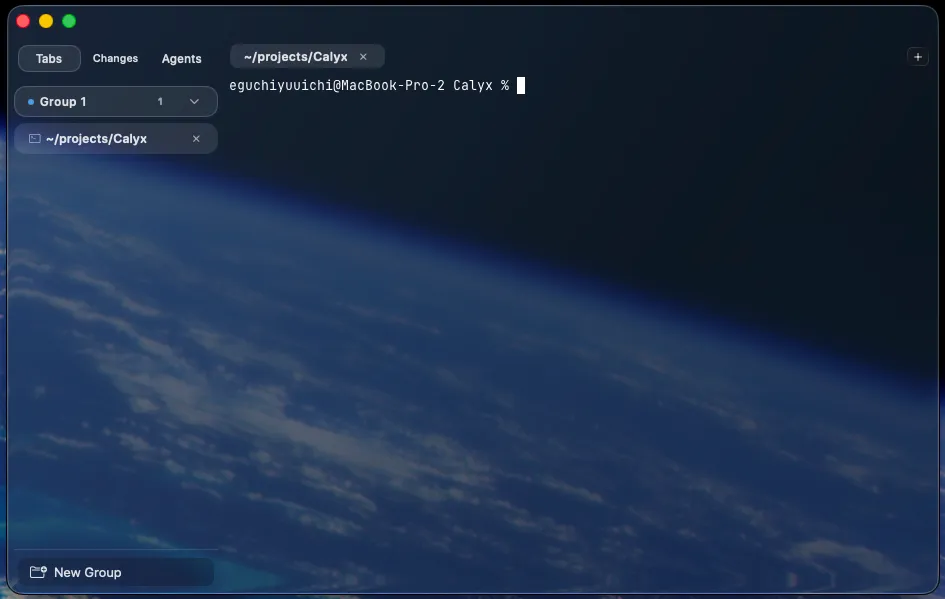
libghostty renders on Metal. Calyx reads ~/.config/ghostty/config and hot-reloads most of it, then adds tab groups, splits, a command palette, scrollback search, and a Liquid Glass window that turns fully opaque under Reduce Transparency.
Give agents a terminal they can read
Panes, commands, captured output, browser tabs, language servers, and peer agents are exposed over MCP and the bundled calyx CLI. An agent waits for a command to finish and reads its result instead of sleeping and guessing. Command text and captured output are checked for known secret patterns and redacted before an agent can read them.
Install
Homebrew
brew install --cask calyxUpdate with brew upgrade --cask calyx.
Manual download
- Download Calyx.zip
- Unzip it
- Move Calyx.app to /Applications
Direct downloads update through Sparkle.
Questions
Which Macs can run Calyx?
macOS 26 Tahoe or later, on Apple Silicon (arm64). There is no Intel build.
What does it cost?
Nothing. Calyx is open source under the MIT license.
Which agents does it work with?
Claude Code, Codex, OpenCode, Hermes, Grok, and pi, plus panes hosted by herdr.
Does Calyx approve anything on its own?
No. The approval integration is off until you turn it on in Settings, and auto-approval is a separate opt-in on top of that. pi ships no permission prompt of its own, so with the integration off its tool calls run unreviewed.
How does it relate to Ghostty?
Calyx renders with libghostty from Ghostty v1.3.1, reads ~/.config/ghostty/config, and can bind its own operations to Ghostty keybind actions.
Do sessions survive quitting the app?
They do once you enable persistent sessions. A calyx-session daemon holds them, and the Session Browser reattaches. Deploy calyx-session to an SSH host to do the same remotely.
Does Calyx send my data anywhere?
No telemetry and no analytics. Outbound traffic is limited to the Sparkle appcast and release download, the optional language-server install, and the browser tabs and SSH connections you start yourself. Privacy policy
How do updates work?
Direct downloads update through Sparkle. Homebrew installs update with brew upgrade --cask calyx.